
On this page 13 sections
- The short answer
- 1. Updates, done safely
- 2. Backups that live somewhere else
- 3. Uptime monitoring
- 4. Security checks
- 5. Small fixes each month
- 6. A report you can actually read
- What a maintenance plan usually doesn’t include
- How much does WordPress maintenance cost?
- Doing it yourself vs a maintenance plan
- Questions to ask before you choose a plan
- How Hostoral Care handles it
- FAQ
Your WordPress site is not a “build it once and forget it” project. WordPress itself, your theme and every plugin keep changing. Some changes add features, many fix bugs, and some close security holes that attackers are already looking for. A WordPress maintenance plan is someone taking care of all that for you, every month, so your site stays fast, safe and working.
But “maintenance” means different things to different providers. Some plans are little more than an automatic update button. Others include backups, monitoring, fixes and a real person checking your site. This guide explains what a good plan should include, what it usually doesn’t, and the questions to ask before you pay for one.
The short answer
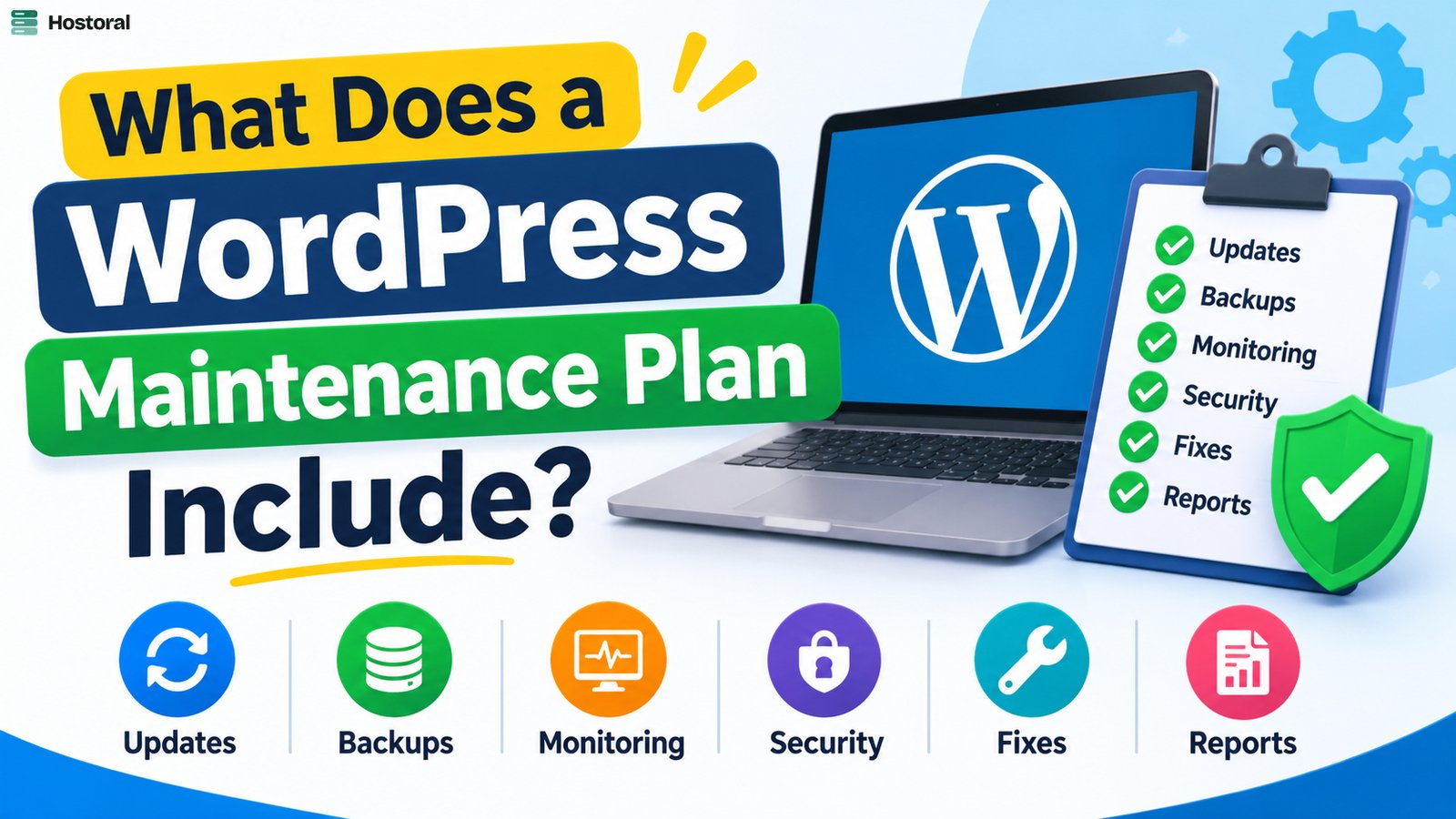
A good WordPress maintenance plan covers six things:
- Updates for WordPress core, plugins, themes and PHP, done safely.
- Backups stored away from your hosting server, kept for weeks, not days.
- Uptime monitoring, so someone knows within minutes when your site goes down.
- Security checks, such as unusual admin users and plugins that are no longer maintained.
- Small fixes, a little time each month for the changes you keep putting off.
- A report, so you can see what was actually done.
Let’s look at each one.
1. Updates, done safely
Updates are the heart of WordPress maintenance. There are four layers:
- WordPress core: the main software. Minor security releases often install automatically; major versions need a human to check them.
- Plugins: usually the biggest job. Many business sites run a dozen or more plugins, and each one updates on its own schedule.
- Themes: including the parent theme if you use a child theme.
- PHP: the programming language your server runs. Old PHP versions stop getting security fixes, and newer versions are noticeably faster.
The important word is *safely*. Clicking “Update all” and hoping for the best is not maintenance. A proper process is: take a backup, update, then check that the important pages, forms and (for shops) the checkout still work. If something breaks, roll back from the backup and fix it.
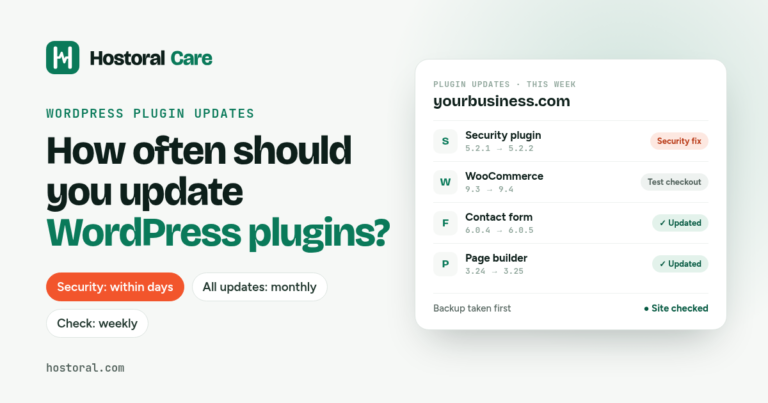
Security researchers consistently report that most WordPress vulnerabilities are found in plugins, not in WordPress core. That is why plugin updates matter so much, and why timing matters too. We cover that in detail in How often should you update WordPress plugins?
2. Backups that live somewhere else
Every maintenance plan says “backups”. Ask three follow-up questions:
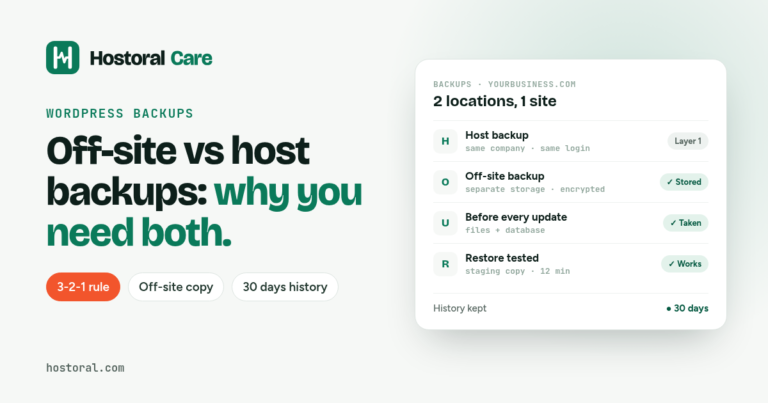
- Where are they stored? A backup on the same server as your website disappears with that server. Look for off-site storage.
- How long are they kept? Problems like a hacked file or a broken plugin are often noticed weeks later. 30 days of backups gives you room to go back far enough.
- Will they restore it for you? A backup is only useful if someone can actually restore it quickly when things go wrong.
If your hosting company already makes backups, you may wonder whether you need more. Usually you do. Here’s why: Off-site backups vs host backups: why your WordPress site needs both.
3. Uptime monitoring
Your site can go down at 2 a.m. on a Sunday, and you might only find out on Monday when a customer emails you. Uptime monitoring checks your site every few minutes and alerts the maintenance team as soon as it stops responding.
Good plans don’t just send you an alert and leave you to figure it out. They investigate, fix what they can, and tell you what happened. Your monthly uptime percentage should appear in your report.
4. Security checks
Updates close known security holes, but a good plan also watches for signs of trouble:
- New or unexpected admin users, a common sign that someone got in.
- Abandoned plugins: plugins the developer hasn’t updated in a long time. They won’t get security fixes, so they should be replaced.
- Login and file changes that don’t match work anyone did.
Be clear about one thing: maintenance helps *prevent* problems. Cleaning a site that was already hacked before you joined is a different, bigger job, and most plans quote it separately.
5. Small fixes each month
This is the part people value most once they have it. Changing your opening hours, swapping an image, fixing a broken link or a contact form that stopped sending: small jobs that are annoying to do yourself and hard to find a freelancer for.
Many plans include a set amount of work each month, often around 30 minutes. Check whether unused time rolls over (it usually doesn’t) and what counts as “small”.
6. A report you can actually read
If you can’t see what was done, you can’t know whether you’re getting value. A good monthly report fits on one page and shows:
- which updates were installed, with version numbers
- when backups were taken and where they are stored
- your uptime percentage and any downtime explained
- one clear recommendation for next month
It should be written in plain English, not copied from a log file. It’s also handy to forward to your boss or your client.
What a maintenance plan usually doesn’t include
So there are no surprises, most plans leave these out:
- new pages, redesigns or new features
- content writing and SEO campaigns
- cleaning up a site that was hacked before the plan started
- large development jobs (these get a separate quote)
How much does WordPress maintenance cost?
Prices vary a lot, from a few dollars a month for automated updates to a few hundred dollars a month for agency plans with lots of development time. The difference is mostly how much hands-on work and support is included.
For a typical small business or WooCommerce site, a plan with safe updates, off-site backups, monitoring, a small fix and a report is the sweet spot. You get the protection that matters without paying for development hours you won’t use.
Doing it yourself vs a maintenance plan
You can absolutely maintain WordPress yourself. Many owners do. Just be realistic about the time: doing it properly (backup, update, test, check monitoring, keep notes) takes one to three hours a month per site, and it has to happen *every* month, including the busy ones.
| Doing it yourself | With a maintenance plan | |
|---|---|---|
| Updates | When you remember | Every month, tested |
| Backups | Often on the same server | Weekly, stored off-site |
| Site goes down | You hear from a customer | Someone is alerted in minutes |
| Small changes | Find a freelancer, wait, pay | Included every month |
| Knowing it’s all fine | You hope so | A report shows it |
Questions to ask before you choose a plan
- Do you take a backup before every update, and check the site afterwards?
- Where are backups stored, how long are they kept, and is a restore included?
- How often do you check uptime, and what happens when the site goes down?
- What do I get each month that I can see, like a report?
- Is there a contract, and how do I cancel?
- Do you need my logins, and how do you store them?
If a provider can’t answer these clearly, keep looking.
How Hostoral Care handles it
Hostoral Care is our WordPress maintenance plan, built around exactly this checklist. For $15 per site per month you get monthly core, plugin, theme and PHP updates (backup first, site checked after), weekly off-site backups kept for 30 days with free restores, 24/7 uptime monitoring, one small fix each month and a 1-page report on the 1st of every month.
It works for any WordPress site, wherever it’s hosted. There’s no contract, and you can cancel any month.
FAQ
Is a WordPress maintenance plan worth it for a small site?
If your website brings you customers, yes. One hacked or broken site usually costs more in lost sales and repair work than a year of maintenance. If the site is a hobby you rarely touch, careful DIY updates may be enough.
Can’t I just turn on automatic updates?
Automatic updates help, but they don’t take backups first, don’t check whether your site still works afterwards, and won’t tell you when a plugin has been abandoned. They’re a tool, not a maintenance plan.
How often should maintenance happen?
Monitoring should run all the time, security updates should go in within days, and everything else at least monthly. Our guide to how often to update WordPress plugins has a simple schedule.